The essentials
- Use one instrument and one alert before adding complexity.
- Distinguish price movement, print size and tape speed.
- Treat audio as an observation aid, not an entry signal.
Start with a question
A useful sound answers a specific question: has activity accelerated, are larger prints appearing, or is price moving into a level I am watching? Enabling every sound at once makes these questions harder to separate. Begin with one contract, one tone family and one alert. The goal is to notice a change and inspect it, not to substitute sound for your chart.
Separate movement, size and pace
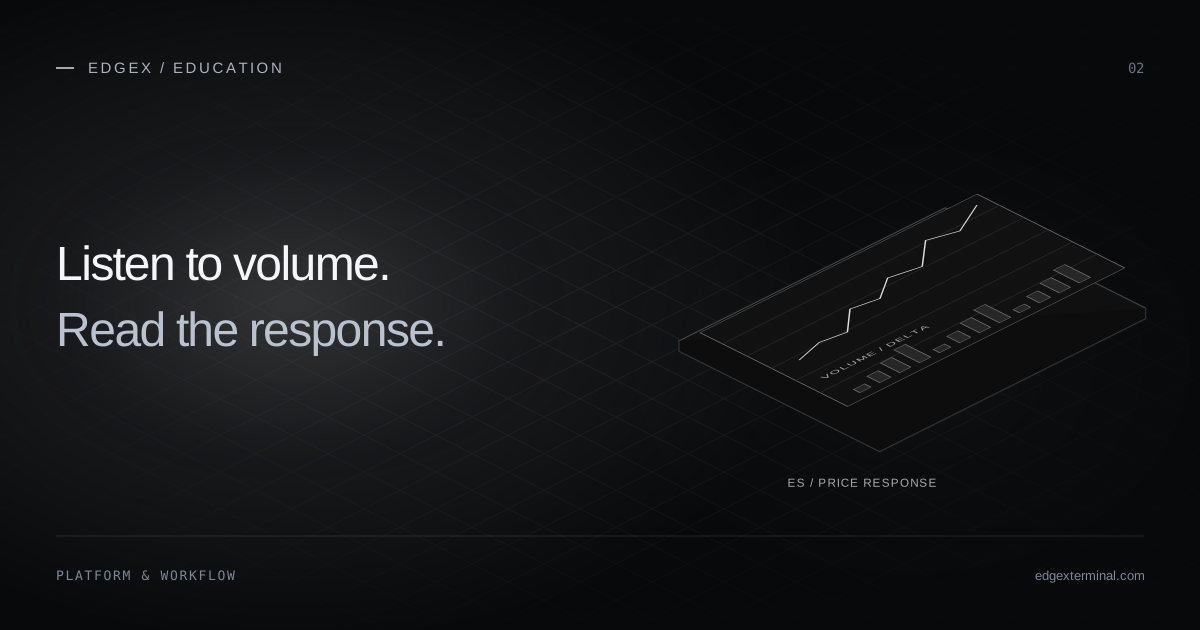
Price, execution size and prints per second are three different dimensions. A fast stream of tiny prints may sound busy without unusually large total volume. A single large print can occur in an otherwise quiet market. Choose pitch to represent one dimension and an alert to represent another; keep the mapping consistent while learning it.
A repeatable practice session
Use a short recorded period and write down what each sound is intended to mean.
- Observe the chart and tape with audio off. Note quiet and active periods.
- Enable low-volume ordinary tones with a minimum-size filter.
- Add only one large-print or rolling-volume alert.
- Replay the same period and note whether the alert points to the intended event.
- Change one threshold, interval or cooldown, then compare again.
- Save the profile with a clear session name and revisit it at normal speed.
Listen sustainably
Use a comfortable low output level and leave space between spoken updates. Quiet Focus or longer cooldowns can be more informative than continuous commentary. If an alert repeats without prompting a useful observation, raise its threshold or disable it. More sounds do not automatically mean more information.
What the tool can and cannot tell you
Squawk can draw attention to captured activity while you look elsewhere in the terminal. It does not identify participant intent, guarantee a breakout or place trades for you. A sound is a description of an observed condition. Compare it with price response, feed coverage and your own decision process.
Common questions
Does Squawk place orders?
No. Squawk describes captured market activity with tones, spoken updates and alerts. Its volume and stop controls do not change orders or positions.
Where can I find the settings reference?
The Squawk Help Center documents settings, templates, monitoring, price language and automatic volume thresholds. Follow the product guide links below.
Continue with the EdgeX product guides
These guides document the controls and data behavior used in this article.
Published by EdgeX Terminal, operated by EdgeProp Trading S.R.L. Product explanations are based on the EdgeX Help Center; external references are linked beside the relevant discussion. Examples are illustrative, not actual trading results. Futures trading involves risk; this material is education, not an individual trading recommendation.
Suggest a correction