The essentials
- Read prices and the spread before comparing quantities.
- Displayed size and your own working orders are different information.
- A price touching your limit does not prove that your order filled.
Start with the price ladder and spread
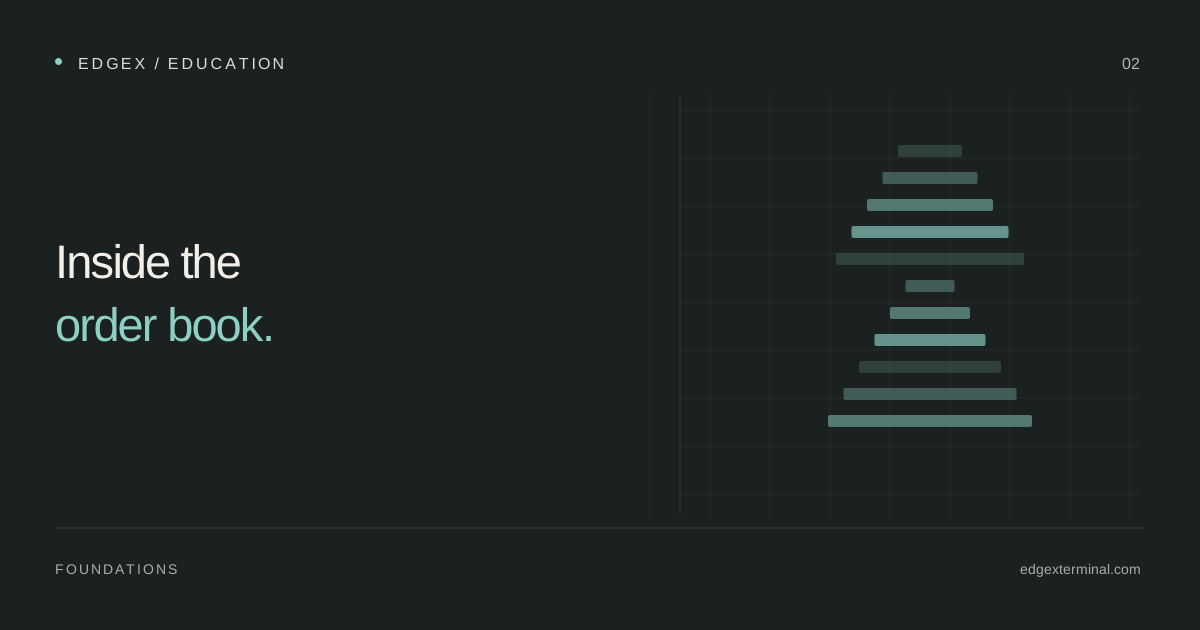
Find the best bid and best ask before looking at the largest blocks of color. Their difference is the quoted spread. Additional rows show available depth farther from the market, subject to the feed and entitlements. Price increments belong to the contract; changing row height or zoom does not change its tick size.
CME describes liquidity using both the bid–ask spread and depth. A narrow spread with little quantity available is different from a narrow spread with substantial size across nearby levels. This is why reading just one row can miss part of the execution context.
Reference: CME Group: how traders measure liquidity
What a change in displayed quantity can tell you
A number decreasing at a price can reflect executed trades, cancellations or a combination of changes between observations. A number increasing shows more displayed quantity in that sample, but does not reveal the participant’s intention. Watch the trades and price response alongside the ladder instead of turning every change into a story about who is buying or selling.
EdgeX’s current order-flow adapter uses sampled level-two depth. Intermediate updates may be missed. The display is valuable for comparing visible conditions, but it cannot identify each individual order or establish your exact queue position from aggregated quantities.
Distinguish the book from your own order state
A ladder may show both market depth and your order or position levels. These answer different questions. Depth describes displayed market liquidity. Your working-order status describes what the connected provider has acknowledged for the selected account. A position reports exposure; a pending request does not.
CME distinguishes market, limit and stop order behavior. A limit sets a price constraint but may not execute. A stop must first be triggered, and its subsequent execution depends on the supported order type. Read the provider’s rules for the actual contract and environment rather than inferring behavior from the shape of a button.
Reference: CME Group: futures order types
Make the EdgeX DOM readable
Open the DOM appearance settings and start with a comfortable row height and number size. Increase contrast only enough to distinguish important rows. An intense color palette can make ordinary fluctuations look exceptional. Keep the price column, working orders and account information easy to locate.
When comparing Heatmap and DOM, select the same contract. The attachment option aligns their price levels, with the DOM leading vertical navigation while attached. Detach them when you want independent navigation. Saved workspace layouts preserve panel placement, while chart and appearance settings have their own controls.
- Confirm account, contract and data freshness.
- Locate best bid, best ask and the current spread.
- Observe several neighboring levels on both sides.
- Compare executed trades before interpreting a size change.
- Verify acknowledgements after any actual order action.
Practice describing the ladder without predicting it
During an observation session, record three snapshots: before price approaches a level, when it reaches that area, and after it leaves. Write a short factual description for each one. Include the spread, nearby quantities and whether the feed was continuous. Avoid labels such as guaranteed support.
The value of an integrated terminal is that you can put these observations beside a chart and the reported executions. EdgeX gives that comparison a shared workspace. Your review still needs a consistent method, and a disconnected or empty panel must never be treated as evidence that orders were canceled or positions closed.
Common questions
Does a large bid guarantee support?
No. Displayed orders may change before execution, and additional selling can consume available liquidity. A large bid is an observation to compare with trades and price response.
Why did price trade at my limit without a fill?
An execution at that price does not establish that your order had priority or enough available opposing quantity. Check the provider’s acknowledged order status and filled quantity.
Continue with the EdgeX product guides
These guides document the controls and data behavior used in this article.
Published by EdgeX Terminal, operated by EdgeProp Trading S.R.L. Product explanations are based on the EdgeX Help Center; external references are linked beside the relevant discussion. Examples are illustrative, not actual trading results. Futures trading involves risk; this material is education, not an individual trading recommendation.
Suggest a correction